Do you take photos and want to make them look better on your computer? Then you have probably heard of Lightroom and Capture One. Both are apps that help you fix and improve your photos. But they work in different ways. This guide will help you understand which one is right for you.
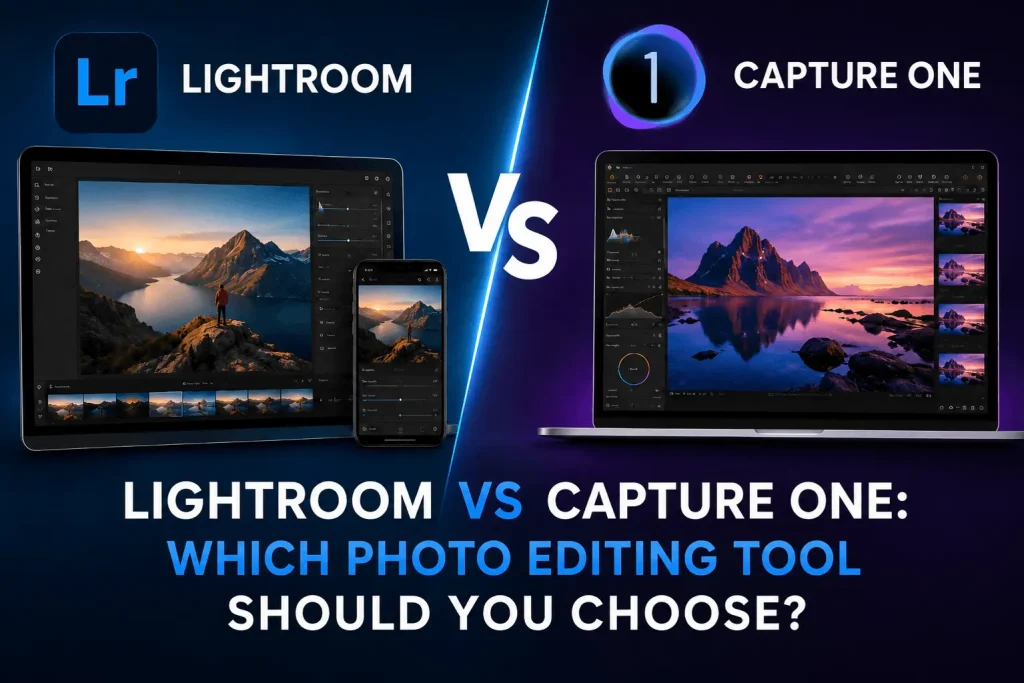
Why Do People Always Compare These Two Apps?
Both apps do the same basic job. They help you edit photos. But Lightroom is made for people who want to work fast and keep things simple. Capture One is made for people who want to control every tiny detail in their photos. That is why people compare them a lot. Both make great photos. The way you get there is just very different.
Why Is Lightroom Easier to Use Every Day?
Lightroom is built to be simple and fast. You move a few sliders and your photo looks great. It has ready-made styles called presets. You click one and your photo changes in a second. It also uses smart tools that fix common problems on their own. You can use it on your phone and computer at the same time. Great if you take lots of photos and want to finish them quickly.
- Easy to learn, even for beginners
- One-click presets that change your photo style fast
- Smart tools that fix things like blurry edges on their own
- Works on your phone and computer at the same time
- Keeps all your photos in one tidy place
Why Do Professional Photographers Use Capture One?
Capture One gives you a lot more control over your photos. You can change colors in very detailed ways. You can fix small parts of a photo without touching the rest. It reads photo files from your camera very well. It also lets you plug your camera straight into the computer and see photos on screen the moment you take them. When a photo needs to look exactly right, many professionals choose Capture One.
- Deep color tools for very detailed changes
- Fix one small part of a photo without changing the rest
- Reads camera photo files very clearly
- Connect your camera to the computer and see photos right away
- Great for people who want every photo to look perfect
How Are They Different When You Actually Use Them?
Using Lightroom feels like going down a clear path. It guides you step by step. Capture One feels more like being given a full toolbox and choosing what to do yourself. Neither is wrong. It just depends on how you like to work.
- Lightroom: quick, easy, good for editing many photos at once
- Capture One: slower but gives you much more control over each photo
Which One Is Better for Editing Photos Every Day?
Most people find Lightroom easier for daily use. If you take photos for social media, travel, or just for fun, Lightroom fits into your day without any trouble. Capture One is better when you have more time to sit down and really work on each photo carefully. It is not slower in a bad way. It just works best when you are not in a hurry.
Is Capture One Hard to Learn?
The tools in Capture One are not hard to understand on their own. But there are many of them. It takes time to know where everything is. Lightroom is easier to start with because it looks cleaner and the steps make sense right away. Capture One gives you more power once you learn it. But you do have to spend time learning it first. Many people forget how long that takes.
Which App Makes Better Photos?
Both apps can make great photos. The difference is how you get there.
- Lightroom: quick and clean results across lots of photos
- Capture One: very detailed results when you take your time on each photo
Neither one is the best for everyone. It all depends on how you work.
So Which One Should You Pick?
Pick Lightroom if you want something easy to use from day one and do not want to spend a lot of time learning. Pick Capture One if you want full control over your photos and are happy to spend some time learning how it works. Think about how you like to edit photos. That will help you decide faster than reading any comparison.